
Pactora

For massage studios

A bookable time needs more than an open hour.

Pactora connects a massage service to practitioner hours and the treatment rooms it needs, then shows customers the starting times that fit.

A clear look at service setup, shared-room availability and customer booking.

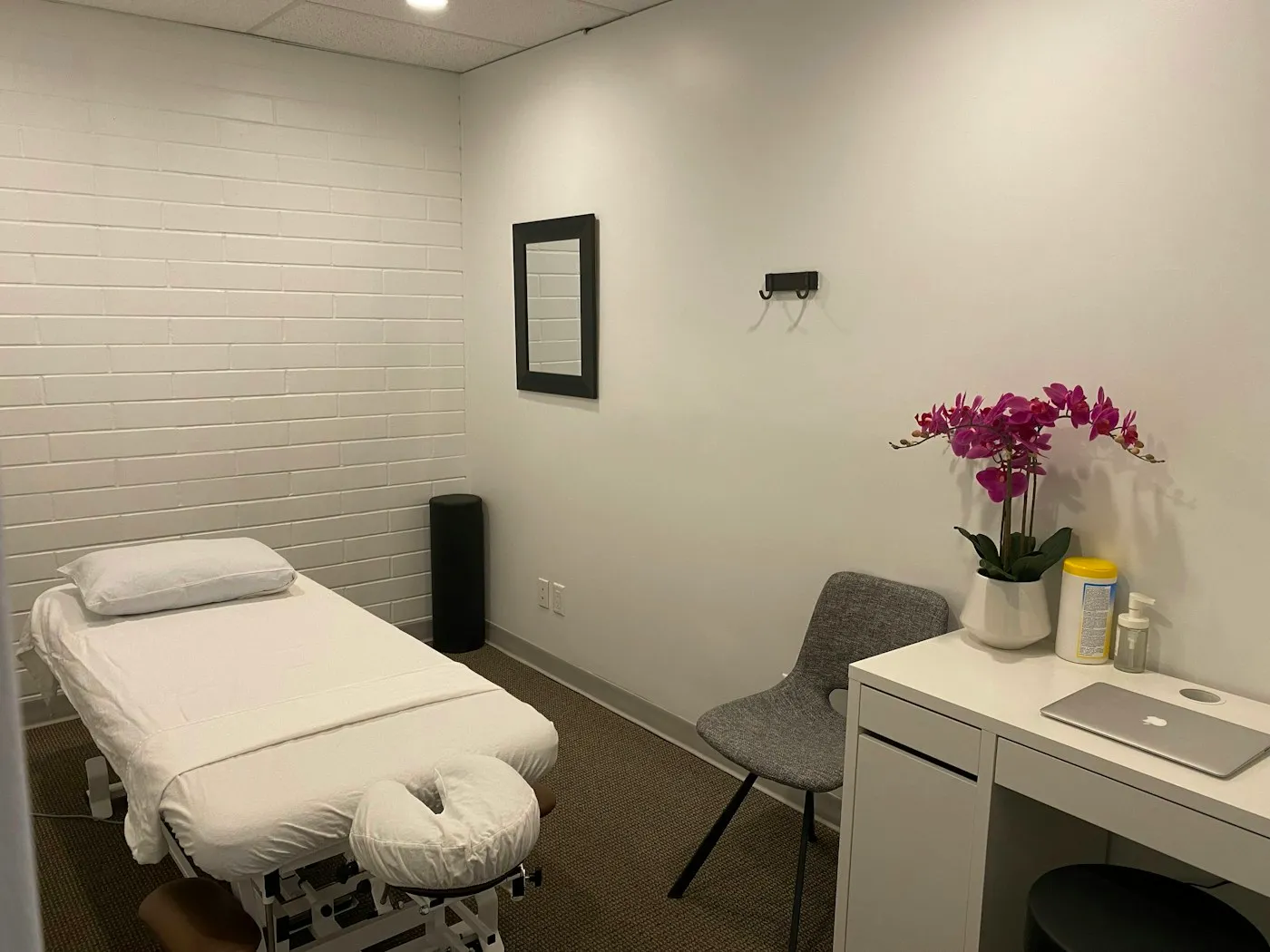
A calm treatment room with a massage table prepared for an appointment
One appointment, both calendarsAvailability fit
Practitioner hoursFits
Shared treatment roomFits

A start time appears when the full service fits the required calendars.

The customer booking path

From your room schedule to a customer’s appointment

Set the service and the calendars it depends on. Pactora checks availability before it offers the customer a time.

Studio setup

Define the service before opening the calendar.

Add a service, its duration and any customer questions you need answered. Set a buffer where the appointment needs more time around it.

Service details stay with the booking customers choose.

Practitioners and rooms

Connect the people and shared spaces the service needs.

Set weekly hours for each practitioner and room. Then choose who can provide the service and which resources it requires.

Shared-room capacity is checked across eligible practitioners.

Each required calendar must have enough room for the full appointment.

Customer booking page

Customers choose from times that fit.

Customers select a service and date, then see starting times based on the studio’s time zone and the service’s availability requirements.

A slot must fit an eligible practitioner, every required room or resource, and the service duration.

If a time is no longer available at submission, availability is checked again.

Review and appointment

Customers review their details. The studio stays in control.

Customers provide their name, email and required answers, then review the appointment before submitting. The studio’s booking setting determines whether it is confirmed right away or sent for review.

Studio owners can view and manage saved appointments.

Customers can use secure appointment links to cancel or reschedule, subject to studio rules.

Pactora does not collect customer payments for appointments. Automatic appointment emails require a verified studio sender and scheduled delivery.

Studio appointments

Keep appointments in view after they are saved.

The studio’s appointment list brings saved bookings into one place. Owners can review details, cancel or reschedule an appointment, and release the time when a booking is cancelled.

Changes are checked against the studio’s current availability and booking rules.

A practical next step

See how your services fit your studio’s schedule.

Create an account, then choose a subscription to use your studio workspace. Set up services, practitioners and shared-room availability before sharing your booking page.