
Booking for your studio.
Take service bookings with the right staff, room and equipment available. Pactora gives wellness studios one clear place to manage appointments and the people behind them.
Set up your studio and share your booking page. Customers can review available times and book online.
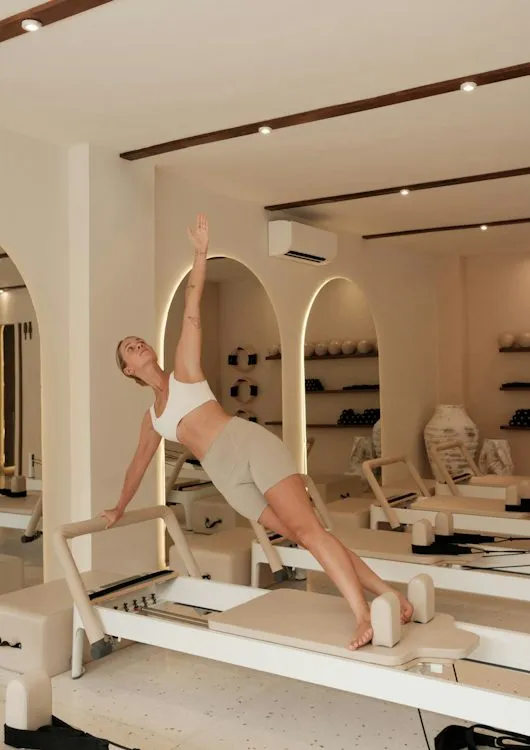
Try a booking. No sign-in needed.
Explore a sample studio, book a visit and try a change. This demo stays in your browser: no real customer records, emails, calendar updates or payments.
Preparing the demo…
A booking flow that fits the whole appointment
Clear services, times that fit your studio and appointments you can manage as the day changes.
Your services
Show customers what you offer, how long it takes and what it costs. Group services into categories and offer named price options within a service.
Real availability
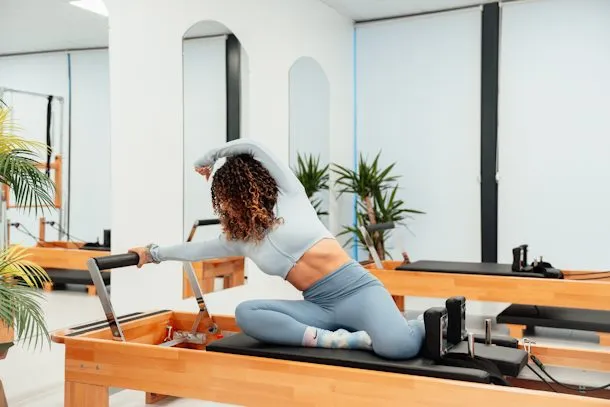
A free hour is only useful when the right person and space are free too. Set staff hours and required rooms or equipment. Your booking page shows times that fit the full service.
Customer bookings
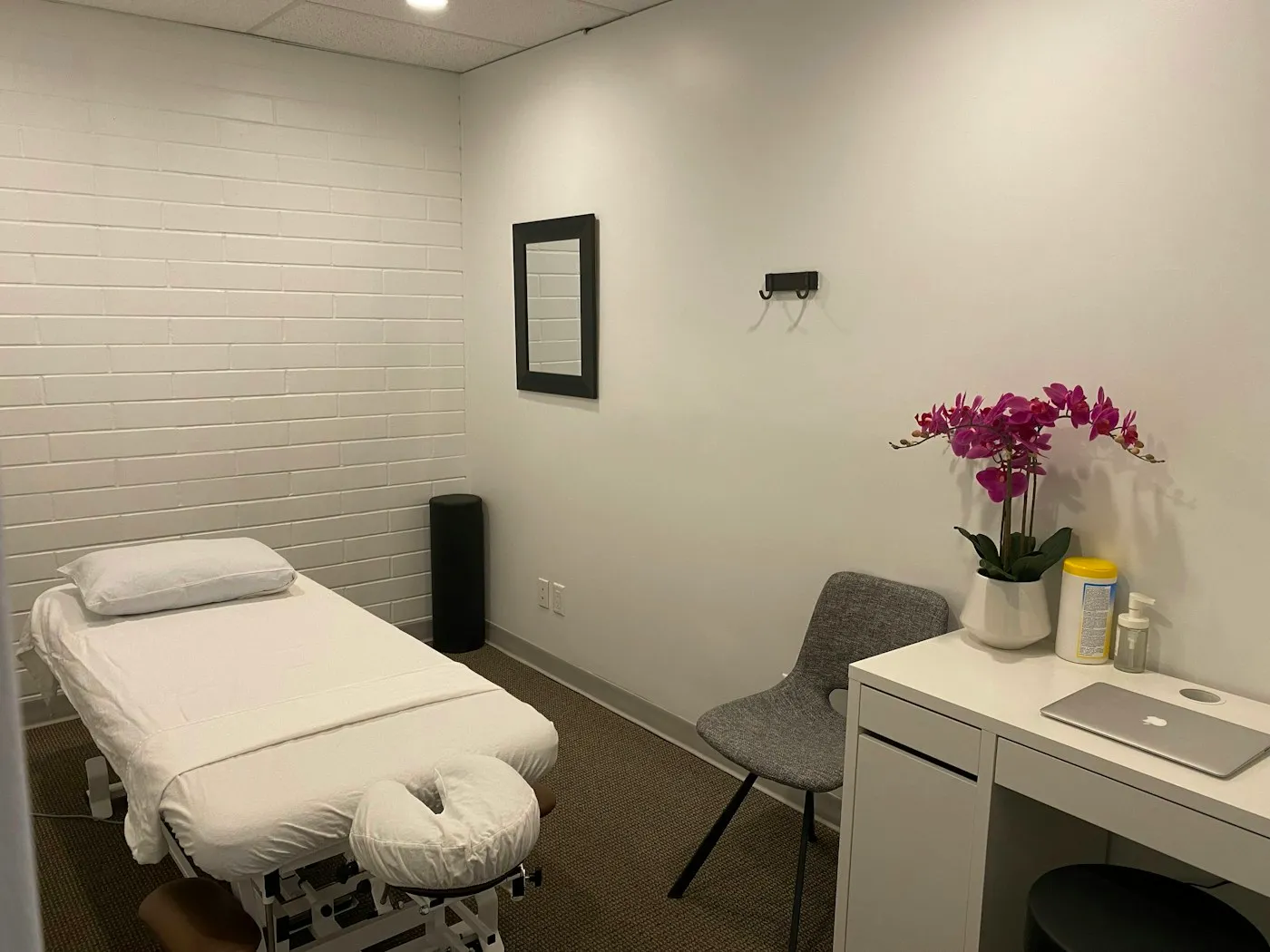
Customers see suitable times, enter their details and review the appointment before booking. Your studio’s rules determine whether it is confirmed or pending approval.

Your appointments
Manage upcoming appointments, reschedule or cancel, and mark attendance. Keep private customer notes alongside their booking history. Cancelled bookings release their time.
More than a free hour
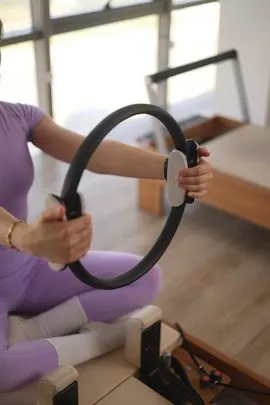
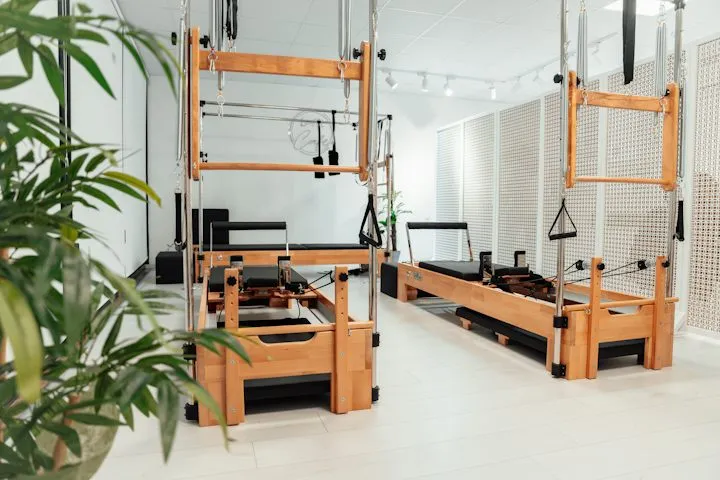
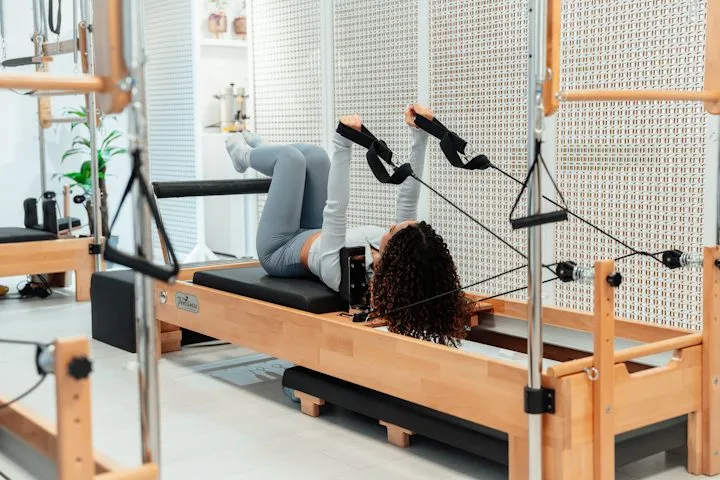
The service sets the time you need. The practitioner brings the skills for the session. The room needs to be free for the whole appointment. Shared equipment has its own limits. The customer needs a clear choice, not a puzzle. Pactora brings those details together.
Built around the space you actually have
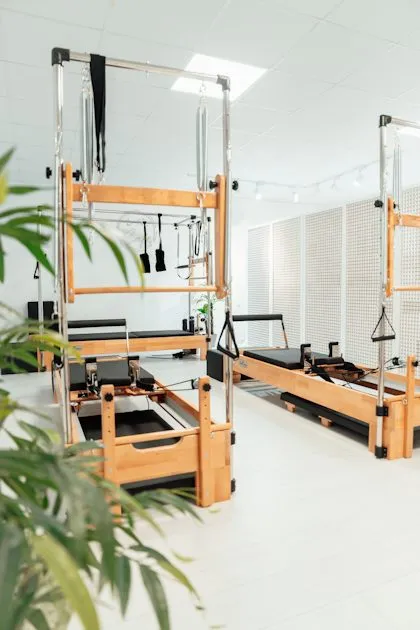
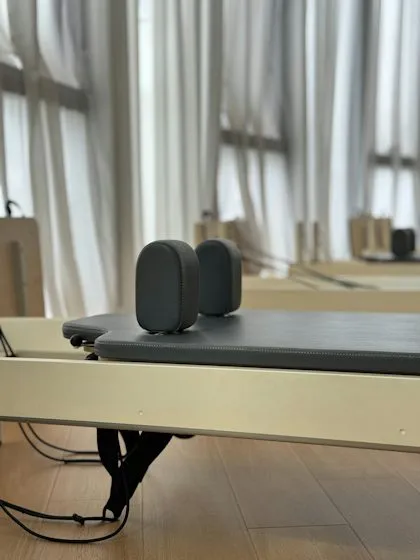
A studio day has more moving parts than a calendar. Pactora checks staff and shared resources for the full appointment, so an open time also has the space it needs.
- StaffAvailability for the people providing a service
- RoomsShared spaces needed for an appointment
- EquipmentResources that cannot be in two places at once
- DurationTime for the complete service and its buffer
Prepare your first service
Use this free worksheet to plan one service, its staff and room needs, and check a booking time against existing availability. Includes a worked example and space for your studio.
Fillable PDF · 2 pages · 34 KB. Type into the fields and save a copy, or print and write. If your browser does not save entries, open the downloaded file in a PDF reader.
Open the PDF · Free, with no sign-in or payment.
Not sure how many visits fit? Use the free booking-capacity calculator to compare staff, rooms and equipment.
See how massage appointments fit practitioner schedules and shared treatment rooms in the booking-flow overview.
Planning a move from another booking system? Use the free editable migration checklist to plan services, customer records and future appointments. It helps you prepare; it does not transfer data for you.
Ready to put your plan into practice? Try the homepage demo, or create your studio account, then choose a subscription with a seven-day trial. View trial and pricing details.
One subscription for your studio.
Access to all available Pactora features. Try the booking flow here, then create an account and choose your subscription.
Try the booking flow
No sign-in
No card needed
Explore available times, book an appointment and try a change in the homepage demo. Reset clears only your own demo bookings. Your real studio stays separate.
Try the demoPactora
$19 / month
USD · or $190 / year · seven-day trial
Services, staff and resource availability, customer bookings, appointment management, private customer records and attendance are available today. Package balances, session redemption and waitlists are available. Online package collection, gift-card spending, automatic appointment emails, Google/Microsoft sync and custom-domain hosting are not active.
View pricing and start trialMore studio tools
Included
In your subscription
Track package sessions through bookings and cancellations, manage a service waitlist and share opening invitations. Scoped staff accounts, booking exports, branding removal and appointment reports are included, not separate paid tiers.
Ask about your studio
A few useful answers
Can I take bookings with Pactora today?
Yes. Create an account and choose your subscription to set up services, staff and resource availability. Share your booking page so customers can review a time and book. Appointments follow your studio’s confirmation and change rules.
Can I try it without an account or card?
Yes. The homepage demo lets you book, reschedule and cancel, with a Reset button to start again. It does not affect a real studio, send emails or collect money. Create an account when you’re ready to use your own studio workspace.
Is Pactora for classes or service appointments?
Pactora focuses on service appointments: a customer books time for a service with the staff and resources it needs. Group-class capacity and memberships are not part of the current offer.
What does the subscription include?
Access to all available Pactora features. See pricing for the monthly and yearly options, seven-day trial and current feature availability. Creating an account does not start a subscription.
Can customers change their appointment?
Customers can use their private appointment-management link to reschedule or cancel when your studio’s rules allow it. They can open that link after booking; automatic email delivery is not required to use it.
Make room for a clearer studio day
Try the booking flow, then create your studio account. Have a question about your setup? Tell us what you need.
Start a conversation with Pactora.
pactora@brainer.oneEmail Pactora ↗Prefer to copy the address? You can use it in any email app.