
For massage studios
A bookable time needs the right person and room.
Set up a massage service, practitioner hours and shared treatment-room availability. Pactora shows customers starting times that fit the whole appointment.
See the detailed visual tour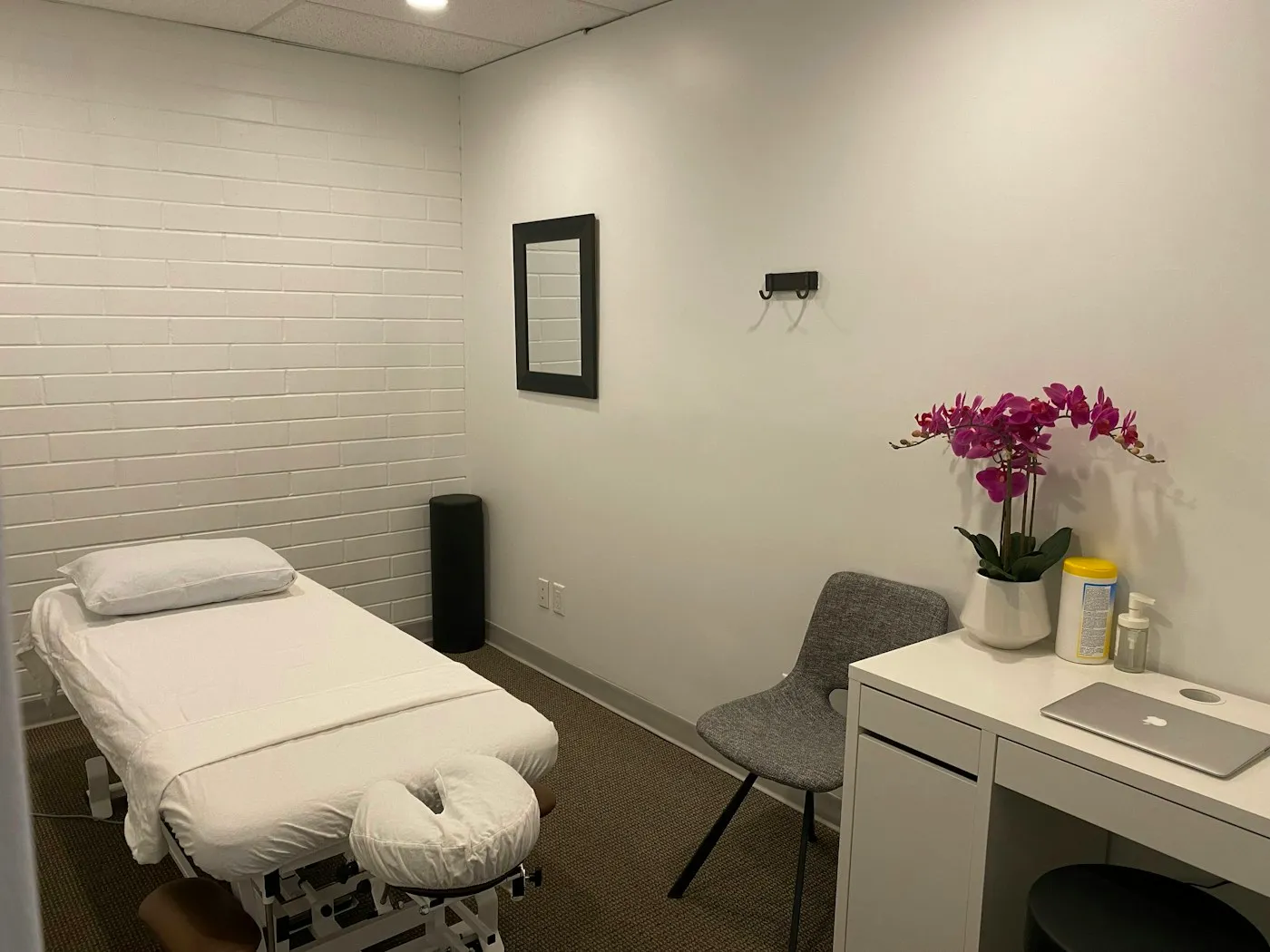
A start time is available when the full service fits both calendars.
The booking path
From service setup to a saved appointment
Here’s how a massage booking moves between your studio and your customer.
-
Studio setup
Set the service
Choose a service duration, add a buffer if needed and ask the essential questions you want answered.
Service details
Appointment lengthSet by studioTime around serviceOptional bufferCustomer questionsEssential only -
People + room
Match the full appointment
Set practitioner hours and required shared rooms. A time must fit the whole appointment on every required calendar.
Availability checks
Practitioner hoursCheckedShared room hoursCheckedOnly the overlap is bookable -
Customer booking
Choose, review, submit
Customers choose an available start time, enter their name and email with any required answers, then review before submitting.
Customer steps
Choose an available timeEnter details and answersReview appointmentService · time · details -
Studio appointments
Manage saved bookings
See appointments in the studio workspace. Owners can cancel or reschedule; a cancellation releases its time.
Studio workspace
Saved appointment Service · start time · booking detailsReviewCancelReschedule
What to expect: Your studio’s booking rule determines whether a submitted appointment is confirmed immediately or needs studio review.
A clear next step
See if Pactora fits your studio.
One subscription for studio access to all Pactora features currently available.
USD$19 / monthor $190 / year7-day free trial
Pactora doesn’t currently collect payments for customer appointments or send automatic appointment emails. Create an account, then choose a subscription on the pricing page.